When you click Run, the agent generates every OpenFOAM dictionary file needed for your simulation. Files appear in the built-in code editor as they are written, so you can inspect the full case before the solver starts.
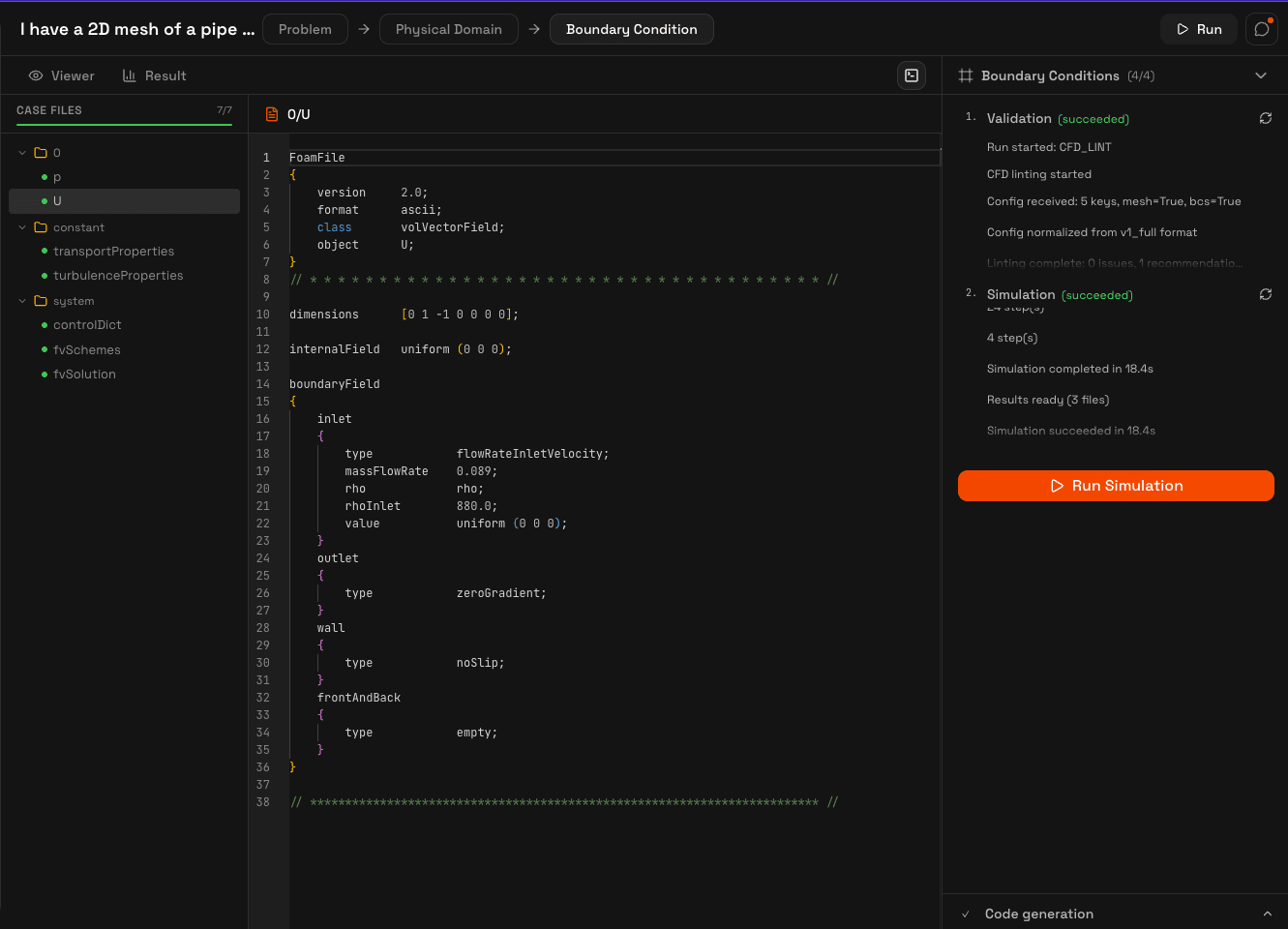
File tree structure
The left sidebar shows the standard OpenFOAM case layout. Files are organized into three directories:
| Directory | Contents |
|---|---|
0/ | Initial and boundary condition fields (U, p, T, k, omega, nut, alphat) |
constant/ | Transport and thermophysical properties, turbulence settings, gravity vector |
system/ | controlDict, fvSchemes, fvSolution, fvOptions |
Generation process
The agent generates files in a specific order, with each file depending on the physics configuration and boundary conditions you set up:
- Validation, the agent lints the full configuration for consistency before generating any files
- Planning, the agent decides which files are needed based on your solver, turbulence model, and physics settings
- Code generation, files are written one by one and streamed to the editor in real time
- Simulation, once all files are generated, the solver starts automatically
Each file in the tree shows its generation status: pending, generating, generated, or failed. A progress bar at the top tracks overall completion.
Code editor
Clicking any file in the tree opens it in a read-only code editor with syntax highlighting. This lets you verify the generated dictionaries, boundary conditions, and solver settings before the simulation runs.
The solver, numerical schemes, and solution parameters are all selected automatically based on your physics configuration. See the CFD Solvers documentation for details on each supported solver and what files it requires.